How to Update n8n Version 2026: Fast and Safe Docker Guide
In the fast-moving world of automation, staying on an outdated version of n8n is a major risk. In 2026, n8n releases updates almost weekly, bringing new AI Agent nodes, critical security patches, and performance optimizations that can reduce your server load by up to 30%. If you are seeing that “Update Available” notification in your dashboard, don’t ignore it.
Whether you are hosting on Hostinger, Bluehost, or a local machine, updating n8n is “Insanely Easy” if you follow a structured process. This 2,500-word guide will walk you through the safest methods to update n8n without losing your precious workflows or database credentials. We will focus on the Docker Compose method—the industry standard for 2026—as well as troubleshooting common update errors.
Why Every Developer Must Know How to Update n8n Version in 2026
Many users fear that “updating will break my workflows.” While this was a concern in the early days of beta software, the 2026 stable releases of n8n are built with Backward Compatibility in mind.
1. Access to the Latest AI Nodes
The AI revolution is moving at light speed. Every new version of n8n typically includes updates to the LangChain and Ollama nodes. If you stay on an old version, you might miss out on the ability to connect to the latest GPT-5 or Claude 4 models, or you might lack the “Memory” nodes required for autonomous agents.
2. Security and Vulnerability Patches
As a self-hosted tool, your n8n instance is a target for bots. Developers constantly patch “zero-day” vulnerabilities. Updating your version is the single most effective way to prevent unauthorized access to your API keys and database secrets.
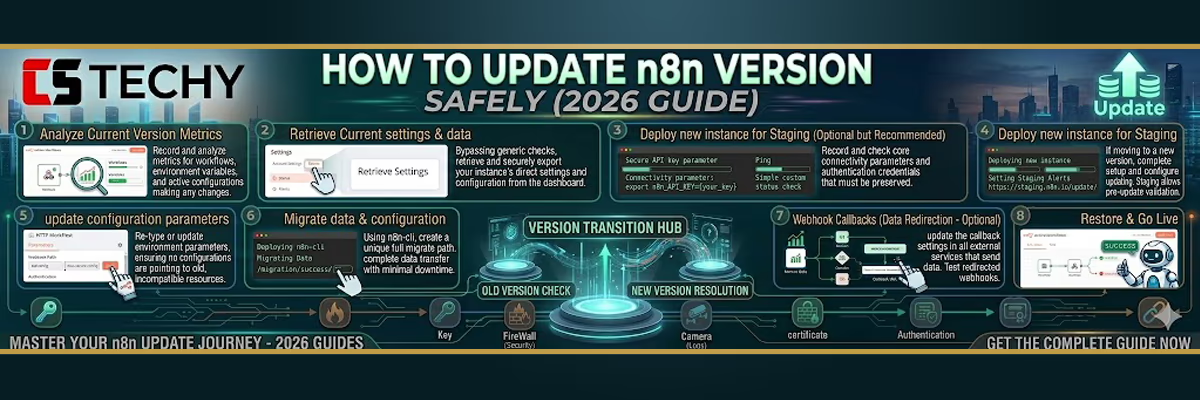
How to Update n8n Version: The 5-Minute Docker Compose Method
If you followed our ultimate n8n self-hosting guide pillar tutorial to set up n8n, you are most likely running it with Docker Compose — which is actually the easiest and safest environment for updates.
Instead of reinstalling your entire automation stack from scratch, Docker allows you to update n8n by simply pulling the newest container image and replacing the existing one. This container-based approach makes how to update n8n version extremely straightforward — you only need to instruct Docker to download the latest image and restart the container.
If you want to understand how container images work behind the scenes, the official Docker documentation explains the concept in detail. You can also review the official n8n Docker installation guide to see how updates and deployments are managed using Docker containers.
Step 1: Create a Safety Backup
Never update without a backup. Even if it’s “Insanely Easy,” server glitches happen. Run this command in your n8n directory to backup your PostgreSQL database:
docker exec -t n8n-db-container-name pg_dumpall -c -U n8n_user > n8n_backup_2026.sql
Step 2: Pull the Latest Image
Navigate to the folder containing your docker-compose.yml file and run:
docker compose pull
This command looks at the image: n8nio/n8n:latest tag in your file and downloads the newest version from the official Docker Hub.
Step 3: Restart the Containers
Now, apply the update by restarting the services. Docker is smart—it will only recreate the n8n container, leaving your database untouched.
docker compose up -d
Step 4: Verify the Version
Log back into your n8n dashboard. Click on the Help icon in the bottom left and select About n8n. You should now see the latest 2026 version number displayed proudly.
Troubleshooting: What if the How to Update n8n Version Process Fails?
Sometimes, an update might hang or fail to start. In 2026, the most common reason is Disk Space.
- “No space left on device”: Docker keeps old images on your drive. Run
docker image prune -ato delete old, unused versions and free up several gigabytes of NVMe storage. - Database Migration Errors: If n8n won’t start after an update, check the logs (
docker compose logs -f n8n). If you see a “Migration failed” error, it means the database schema didn’t update correctly. This is why our Step 1 backup is so important!
Updating on Specific Hosts: Hostinger & Bluehost
If you are using a managed VPS dashboard, the process is even simpler.
Hostinger hPanel Update
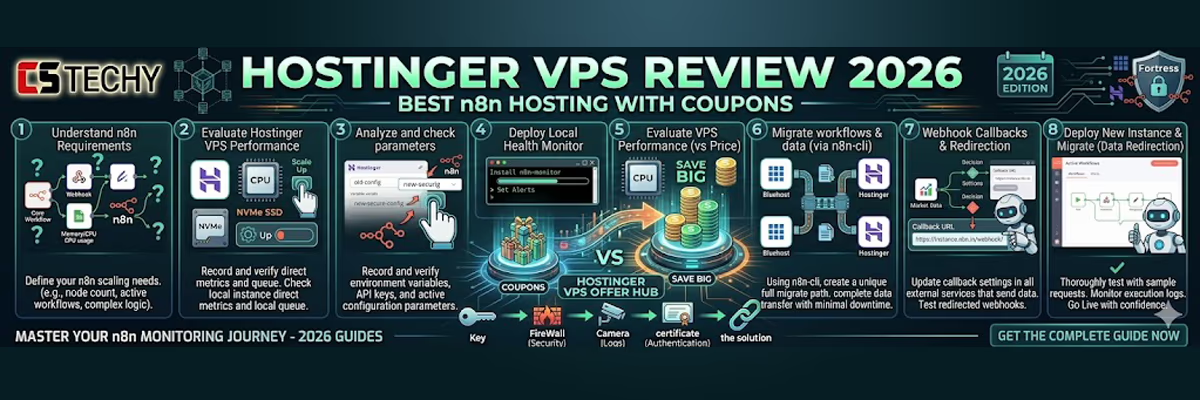
If you are using Hostinger VPS, updating automation is even easier thanks to the modern hPanel interface. The 2026 version of hPanel includes an Application Manager that simplifies how to update n8n version without touching the command line.
Simply open your VPS dashboard, navigate to the n8n application inside Application Manager, and if a new release is available you will see an “Update to Latest” button. With a single click,
Hostinger automatically performs the required Docker commands in the background and upgrades your n8n instance safely.
Check Hostinger VPS n8n Performance →
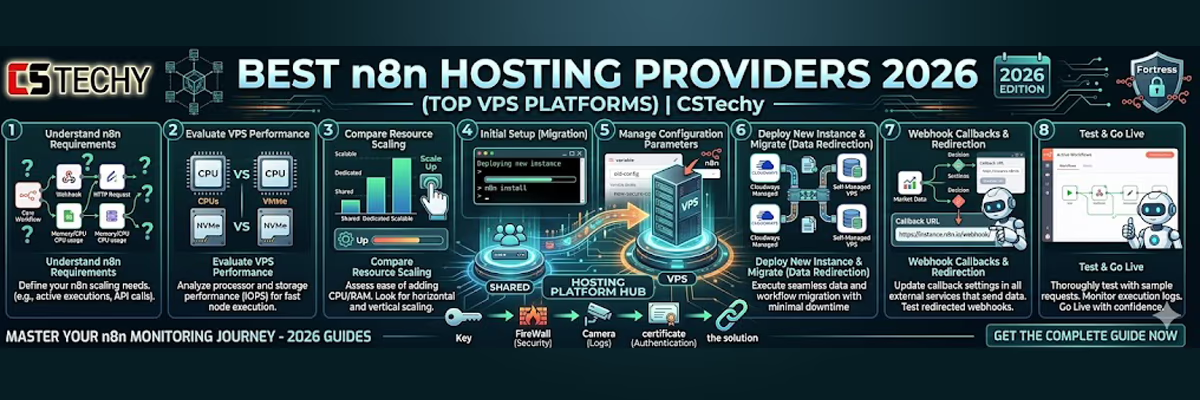
If you are unsure where to host your automation server, you can explore our curated list of the top 5 best n8n hosting providers 2026. In this guide, we compare powerful VPS platforms, pricing, scalability, and ease of deployment to help you choose the ideal environment for running n8n workflows reliably in 2026.
Conclusion: Stay Updated, Stay Secure
Learning how to update n8n version is a fundamental skill for any automation expert in 2026. It takes less than 5 minutes but saves you from hours of potential security headaches and performance lag.
Ready to take your updated n8n instance to the next level? Check out our cluster on Best n8n Hosting Providers to see if your current server can handle the new 2026 features!
How to Update n8n Version 2026, Faq:
1. How do I update n8n to the latest version?
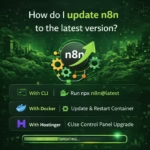
The easiest way is to update it using Docker or npm, depending on your installation method. For Docker users, simply pull the latest image and restart the container to install the newest version.
2. Will updating n8n delete my workflows?
No. Updating n8n does not delete workflows or credentials if your database and volumes are configured correctly. However, it’s always recommended to create a backup before updating.
3. How often should I update n8n?
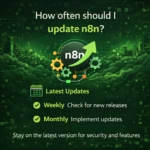
It’s best to update n8n every few weeks or whenever a major release is announced, because updates often include security fixes, new integrations, and performance improvements.
4. What is the safest way to update n8n on a VPS?
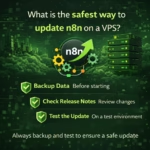
The safest method is to backup your database, stop the current n8n service, update the package or Docker image, and restart the service. This prevents data loss and avoids workflow interruptions.
5. Why is updating n8n important for automation workflows?
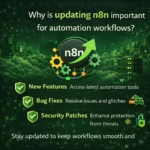
Updating ensures better security, bug fixes, improved node compatibility, and new automation features, helping your workflows run faster and more reliably.