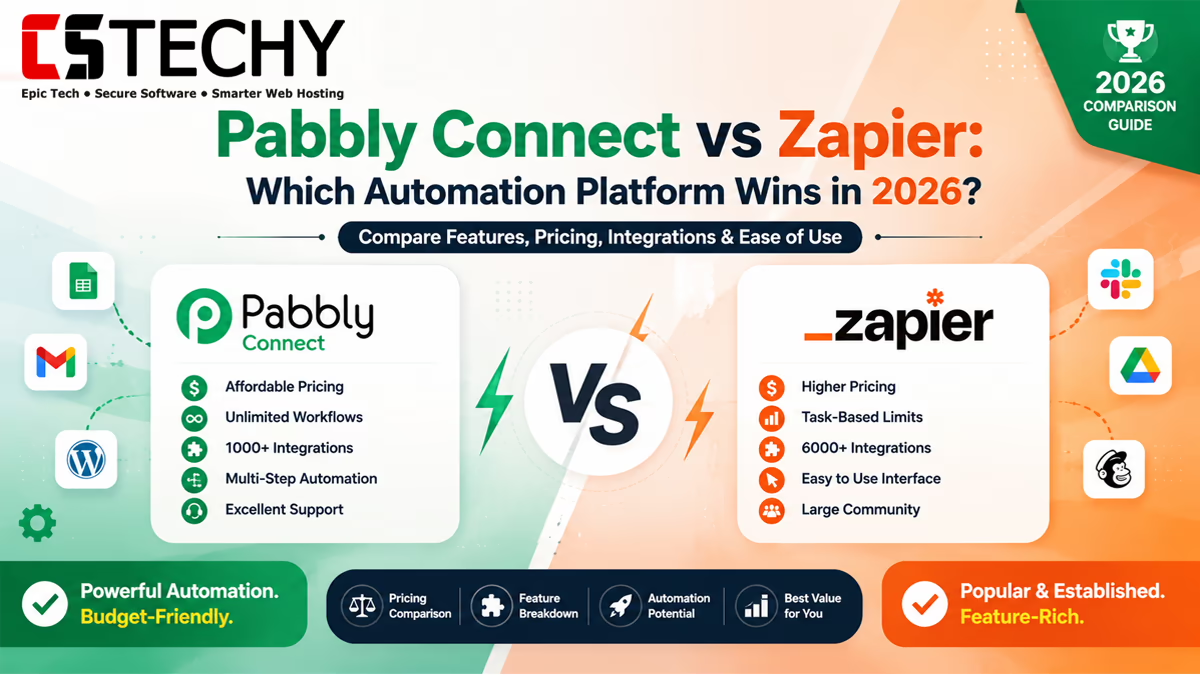
Pabbly Connect vs Zapier: Which Automation Platform Wins in 2026?
Choosing between Pabbly Connect and Zapier is one of the most common decisions business owners face when picking a workflow automation tool. Both platforms connect your apps, but they take very different approaches to pricing and features.
In this Pabbly Connect Comparison, we break down every major difference between the two platforms. By the end, you will know exactly which tool fits your budget, your technical skill, and your business needs.
Pabbly Connect vs Zapier Overview
Pabbly Connect focuses on affordable, straightforward automation with a clean interface. Zapier focuses on the widest possible app library and deep enterprise features.
Neither platform is universally “better.” The right choice depends on how many apps you need, how much you want to spend, and how complex your workflows will become over time.
What Is Pabbly Connect?
Pabbly Connect is a workflow automation platform that connects apps using a simple trigger-and-action model. It supports hundreds of popular business tools across marketing, sales, and eCommerce.
It is best known for its budget-friendly pricing, including lifetime plan options that let you avoid recurring monthly fees entirely.
What Is Zapier?
Zapier is one of the oldest and most established Workflow Automation Comparison leaders, supporting thousands of apps across nearly every software category imaginable.
It offers a polished, beginner-friendly interface along with advanced features like multi-step Zaps, built-in AI tools, and enterprise-grade admin controls.
Feature Comparison
Here is how the core Pabbly Connect Features compare against Zapier Features side by side.
| Feature | Pabbly Connect | Zapier |
|---|---|---|
| Number of Apps | 300+ | 6000+ |
| Multi-Step Workflows | Yes | Yes |
| Conditional Logic | Yes, with router feature | Yes, with paths |
| Built-In AI Tools | Limited | Yes, native AI actions |
| Webhook Support | Yes | Yes |
| Lifetime Pricing Option | Yes | No |
| Team Collaboration | Basic | Advanced |
Pricing Comparison
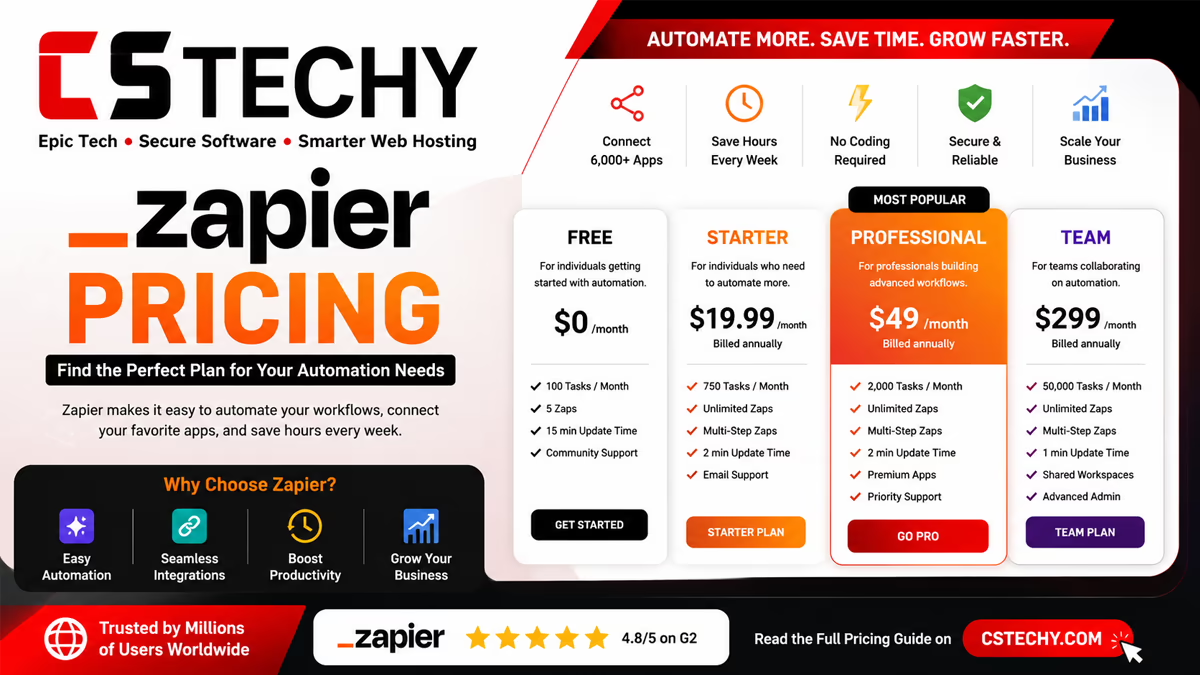
Pricing is often the deciding factor in this Pabbly Connect vs Zapier debate, especially for small businesses running lean budgets.
| Pricing | Free Plan | Paid Plans | Tasks | Best For |
|---|---|---|---|---|
| Pabbly Connect | Yes, limited tasks | Affordable monthly and lifetime plans | Generous task limits at lower cost | Budget-conscious small businesses |
| Zapier | Yes, limited tasks | Tiered monthly and annual plans | Costs rise quickly with volume | Teams needing broad app support |
For businesses running high automation volume, Pabbly Connect Pricing vs Zapier often shows a significant long-term savings gap in favor of Pabbly Connect.
Free Plan Comparison
Both platforms offer a free plan, which makes testing before you commit easy for beginners.
- Pabbly Connect Free Plan: Includes a limited number of monthly tasks and access to most core features.
- Zapier Free Plan: Includes limited tasks and access to single-step Zaps only, with multi-step workflows locked behind paid tiers.
This makes Pabbly Connect’s free plan slightly more generous for users who want to test multi-step automation before paying anything.
Integration Comparison
Zapier’s biggest advantage is raw app count. If you rely on a niche or lesser-known tool, Zapier is more likely to support it natively.
Pabbly Connect covers all the major categories most businesses need, including CRM, email marketing, eCommerce, and payment gateways, but its overall app library remains smaller.
Workflow Builder Comparison
Pabbly Connect uses a simple, linear workflow builder that is easy for beginners to understand right away. Zapier offers a similar linear builder, plus more advanced branching through paths.
For simple automations, both platforms feel nearly identical to set up. For complex, branching logic, Zapier currently offers slightly more built-in flexibility.
AI Features Comparison
Zapier has invested heavily in AI automation, offering built-in actions that can draft content, analyze data, and make decisions within a workflow.
Pabbly Connect supports AI tool integrations like ChatGPT through standard app connections, but it does not yet offer the same native AI automation depth as Zapier.
Webhooks & API Support
Both platforms offer strong webhook and API automation support, making them suitable for developers who need custom connections beyond native app integrations.
Webhooks let you connect virtually any app that is not natively supported, which closes much of the gap between Pabbly Connect’s smaller app library and Zapier’s larger one.
Ease of Use
Both platforms are considered beginner-friendly, but Pabbly Connect often feels slightly simpler due to its more minimal interface and fewer advanced options to navigate.
Zapier’s interface has grown more complex over the years as it added more features, which can feel overwhelming for absolute beginners at first.
Performance & Reliability
Both platforms generally deliver reliable performance for standard automation tasks, with workflows executing within seconds of a trigger event.
Zapier’s larger infrastructure and longer track record give it a slight edge in handling very high-volume enterprise workloads without delays.
Security & Compliance
Zapier offers more extensive enterprise security certifications and compliance documentation, which matters for larger organizations with strict data governance requirements.
Pabbly Connect provides standard security practices suitable for small and mid-sized businesses, though it offers fewer formal enterprise compliance certifications.
Customer Support
Pabbly Connect offers email and chat support, which most small business users find sufficient for resolving setup questions.
Zapier offers broader support resources, including a larger help center and community forum, reflecting its larger user base and longer market presence.
Pros & Cons
Pabbly Connect Pros
- Affordable pricing, including lifetime plan options.
- Simple, beginner-friendly interface.
- Generous free plan with multi-step workflow access.
Pabbly Connect Cons
- Smaller app library compared to Zapier.
- Fewer native AI automation features.
Zapier Pros
- Massive app library covering nearly every tool.
- Advanced AI features built directly into workflows.
- Strong enterprise security and compliance options.
Zapier Cons
- Pricing increases quickly as task volume grows.
- Free plan limits multi-step automation.
Winner Comparison
Here is a quick category-by-category breakdown to summarize this Pabbly Connect vs Zapier comparison.
| Category | Winner | Why |
|---|---|---|
| Pricing | Pabbly Connect | More affordable at scale, with lifetime plans |
| App Library | Zapier | Supports thousands more apps natively |
| Ease of Use | Pabbly Connect | Simpler interface for beginners |
| AI Features | Zapier | Deeper native AI automation tools |
| Free Plan | Pabbly Connect | Includes multi-step workflows for free |
| Enterprise Security | Zapier | More compliance certifications available |
Real-World Use Cases
Here is how each platform performs across common business automation scenarios.
- Blogger automating WordPress and Google Sheets: Pabbly Connect wins on cost for simple, low-volume workflows.
- Agency managing multiple client workflows: Zapier suits agencies needing broad app coverage across many client tools.
- eCommerce automation: Pabbly Connect offers strong value for Shopify or WooCommerce order notifications.
- Lead generation workflows: Both platforms handle Facebook Lead Ads to CRM automation equally well.
- CRM automation: Zapier’s larger CRM app selection benefits businesses using less common CRM tools.
- AI content automation: Zapier’s native AI actions give it an edge for content generation workflows.
- Marketing automation: Pabbly Connect works well for straightforward email and social workflows on a budget.
- Finance automation: Zapier’s compliance features suit finance teams with stricter data requirements.
Who Should Choose Pabbly Connect?
Pabbly Connect is the better fit for beginners, freelancers, bloggers, and small businesses that want reliable automation without a large monthly bill.
If your core apps are already supported and you do not need advanced native AI features, Pabbly Connect delivers excellent value for the price.
Who Should Choose Zapier?
Zapier is the better fit for agencies, enterprises, and marketing teams that rely on niche apps or need advanced AI automation built directly into workflows.
If budget is less of a concern and you need the widest possible app compatibility, Zapier remains the safer long-term choice.
Migration Tips
If you are considering a Zapier Alternative and want to switch to Pabbly Connect, a careful migration process protects your existing workflows.
Migration Checklist
- List every active Zap currently running in your Zapier account.
- Check whether each app you use is supported in Pabbly Connect.
- Rebuild one workflow at a time instead of migrating everything at once.
- Test each rebuilt workflow with sample data before switching it live.
- Run both platforms briefly in parallel to confirm accuracy.
- Turn off the old Zap only after confirming the new workflow works correctly.
Buying Checklist
- Confirm your must-have apps are natively supported.
- Compare pricing at your expected monthly task volume.
- Test the free plan before committing to a paid tier.
- Check if you need native AI features or can use external AI tools.
Best Practices
- Start with your simplest, most repetitive task when automating for the first time.
- Document every workflow so your team understands the automation logic.
- Set up error notifications to catch failed workflow runs quickly.
- Review your active workflows every few months to remove unused ones.
Beginner Tips
- Use the free plan first to learn the trigger-and-action structure.
- Watch official tutorial videos before building your first workflow.
- Start with two-app automations before attempting complex, multi-step logic.
Frequently Asked Questions
Is Pabbly Connect better than Zapier?
It depends on your needs. Pabbly Connect wins on pricing, while Zapier wins on app library size and AI features.
Is Pabbly Connect cheaper than Zapier?
Yes, Pabbly Connect is generally more affordable, especially with its lifetime plan option compared to Zapier’s recurring subscriptions.
Does Pabbly Connect support as many apps as Zapier?
No, Zapier supports thousands more apps. Pabbly Connect covers major categories but has a smaller overall library.
Which platform is easier for beginners?
Both are beginner-friendly, though Pabbly Connect’s simpler interface often feels slightly easier for first-time users.
Can I switch from Zapier to Pabbly Connect easily?
Yes, if you rebuild workflows one at a time and test each one before going live, migration stays manageable.
Does Zapier have better AI automation than Pabbly Connect?
Yes, Zapier currently offers deeper native AI features built directly into its workflow automation tools.
Is Pabbly Connect good for agencies?
Yes, though agencies managing many niche client tools may still prefer Zapier for its wider app compatibility.
Which platform has a better free plan?
Pabbly Connect’s free plan includes multi-step workflows, while Zapier’s free plan limits you to single-step Zaps.
Should I choose Pabbly Connect or Zapier for eCommerce?
Pabbly Connect offers strong value for standard eCommerce automation, while Zapier suits stores using less common platforms.
Final Verdict
There is no single winner in the Pabbly Connect vs Zapier comparison. Pabbly Connect offers unbeatable value for budget-conscious beginners and small businesses.
Zapier remains the stronger choice for agencies and enterprises that need the widest app coverage and the most advanced AI automation features available today.
Whichever platform you choose, start with the free plan, test your core workflows, and scale up only once you confirm it fits your business needs.
Related Articles
- Pabbly Connect Review
- Pabbly Connect Pricing
- Pabbly Connect Tutorial
- Pabbly Connect Templates
- Pabbly Connect Integrations
- Pabbly Connect Alternatives
- Pabbly Connect vs Make
- Workflow Automation
- Business Automation
- Automation Tools