Automation > Workflow Automation > Activepieces
Activepieces Integrations (2026): Full List of Supported Apps
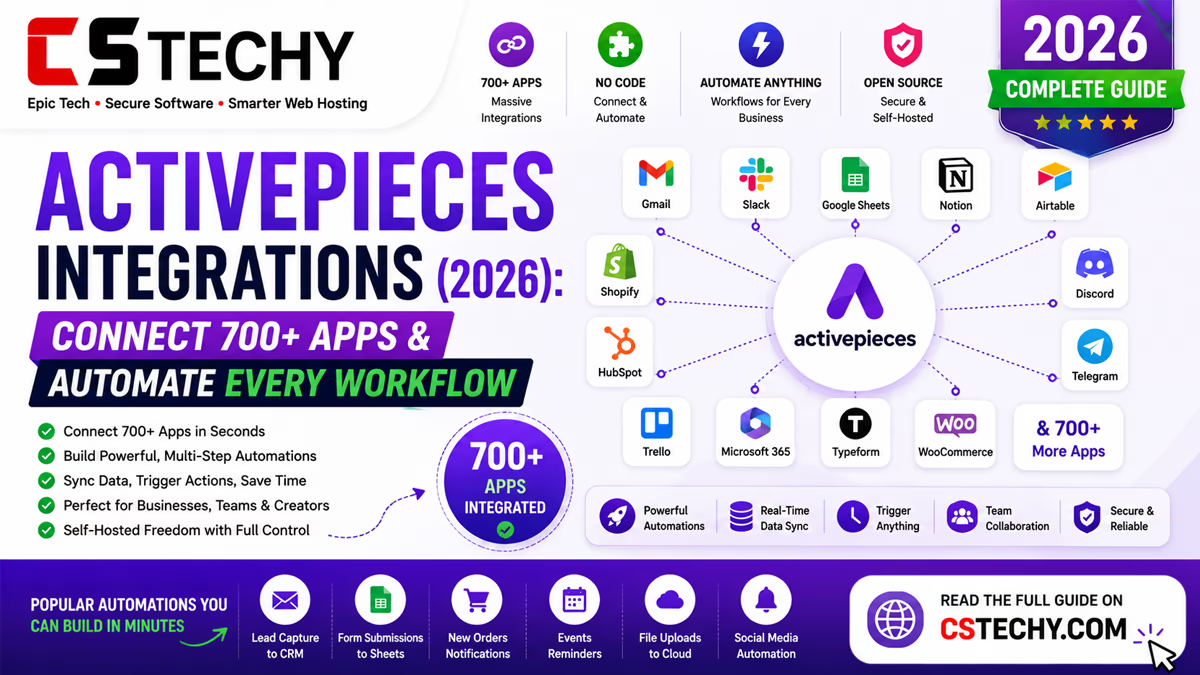
Activepieces calls each app connector a “piece”, and the growing library of pieces is what determines which apps you can automate without writing custom code. Because the platform is open-source, its integration catalogue grows through both the official team and community contributions.
This guide covers what Activepieces integrations actually cover today, how they’re structured, the strongest categories to expect good support in, and what to do if the specific app you need isn’t listed yet.
It’s written for small businesses, agencies, and developers checking whether Activepieces can realistically replace their current automation stack before switching.
What Are Activepieces Integrations?
An Activepieces integration, called a “piece”, is a pre-built connector that lets a flow trigger from or take action in a specific app, such as Slack, Google Sheets, or Stripe. Each piece exposes the app’s common actions and triggers through simple dropdown fields, without requiring any code.
How Activepieces Integrations Work
When you add a step to a flow, you search for the app you need, choose a specific trigger or action from that piece, and connect your account through the app’s usual authentication method, such as OAuth or an API key.
Because Activepieces is open-source, pieces are built and maintained as individual modules, which means new integrations can be added by the core team or by outside contributors submitting their own piece to the project.
Integration Categories
- Communication — Slack, Discord, Microsoft Teams, email providers
- Productivity — Google Workspace, Notion, Airtable, Trello
- CRM and sales — HubSpot, Pipedrive, and similar tools
- Ecommerce and payments — Stripe, Shopify, WooCommerce
- Forms and surveys — Typeform and other form builders
- Developer tools — GitHub, webhooks, and custom HTTP requests
- AI models — OpenAI, Anthropic Claude, and Google Gemini
Most Popular Activepieces Integrations
| App | Category | Common Use |
|---|---|---|
| Slack | Communication | Team notifications from any trigger |
| Google Sheets | Productivity | Logging data from forms or webhooks |
| Gmail | Communication | Sending automated confirmations |
| Airtable | Productivity | Structured record creation and updates |
| Stripe | Payments | Payment and subscription notifications |
| OpenAI | AI | Drafting, summarising, and classifying text |
| Webhooks | Developer | Connecting almost any app with an API |
AI Model Integrations
Activepieces includes native pieces for major AI providers, including OpenAI, Anthropic’s Claude, and Google’s Gemini, so you can choose a preferred model per AI step rather than being tied to one provider.
These pieces can be dropped into any flow to draft text, summarise content, or classify incoming data before the next action runs.
Custom and API-Based Integrations
For apps without a dedicated piece, Activepieces’ generic HTTP request and webhook steps can connect to almost any service with a public API, at the cost of a little extra manual configuration compared with a native piece.
This keeps the platform useful even for niche or internal tools that will likely never get an official integration built for them.
Building Your Own “Piece”
Because Activepieces is open-source, developers can build and contribute their own piece for an unsupported app, following the project’s public contribution guidelines. This is a meaningful advantage over closed platforms, where a missing integration simply isn’t possible to add yourself.
Activepieces vs Zapier Integration Count
| Factor | Activepieces | Zapier |
|---|---|---|
| Native integrations | Growing library, smaller overall | 7,000+ apps |
| Custom connections | Open-source, contributable pieces | Closed, no self-built integrations |
| Generic fallback | HTTP request and webhook steps | Webhooks by Zapier |
Zapier’s integration library remains far larger overall, which matters most if you rely on a niche or less common app. Activepieces closes some of that gap through its open-source model, since missing integrations can be built rather than simply requested.
What to Do If an App Isn’t Supported
- Check whether the app offers webhooks or a public API you can connect through a generic HTTP step.
- Search the Activepieces community or GitHub repository for an existing request or in-progress piece.
- If comfortable with code, consider building and contributing a piece yourself.
- As a last resort, evaluate whether a different automation platform already supports that app natively.
Common Mistakes to Avoid
- Assuming an app is supported without checking the current piece library first.
- Overlooking webhook or API options when a native piece doesn’t exist.
- Not re-authenticating a connected account after a password or permissions change.
- Building overly complex custom HTTP steps when a simpler native piece already covers the task.
Frequently Asked Questions
How many integrations does Activepieces have?
Activepieces’ library is smaller than the largest cloud platforms but growing steadily, with strong native coverage of mainstream communication, productivity, and payment apps.
Does Activepieces support Slack and Google Sheets?
Yes, both are among the most commonly used native integrations, along with Gmail, Airtable, and Stripe.
Can Activepieces connect to apps without a native integration?
Yes, using its generic HTTP request and webhook steps, which can connect to almost any service with a public API.
Can I build my own Activepieces integration?
Yes, since Activepieces is open-source, developers can build and contribute their own “piece” for an unsupported app following the project’s public guidelines.
Does Activepieces support AI model integrations?
Yes, including native pieces for OpenAI, Anthropic’s Claude, and Google’s Gemini, which can be added to any flow as an AI step.
Is Activepieces’ integration library smaller than Zapier’s?
Yes, Zapier’s library is significantly larger overall, though Activepieces’ open-source model allows missing integrations to be built rather than simply requested.
Do integrations work the same way on self-hosted Activepieces?
Yes, pieces function identically whether you’re using the managed cloud version or a self-hosted instance.
What happens if an app I need isn’t supported yet?
Check for a webhook or API-based workaround first, then look for an existing community request or consider contributing a piece yourself if you’re comfortable with code.
Are Activepieces integrations free to use?
Yes, integrations themselves carry no extra cost beyond your existing plan, whether that’s the free cloud tier, a paid plan, or self-hosting.
Final Verdict
Activepieces won’t match Zapier’s sheer integration count today, but its coverage of everyday business apps is solid, and its open-source nature means a missing integration isn’t necessarily a dead end. For most common workflows, the native piece library plus generic webhook support will cover what you need.
If your stack leans on a genuinely niche app, check the current piece library before committing to a build. Explore our related Activepieces guides for pricing, templates, and a full step-by-step tutorial.